📌 Short details
- Total beginner cost: $0 to about $1,800 to get a real channel started.
- Cheapest real start: $0 DIY (but 6–10 hours per video of your time).
- Best small paid start: Starter batch, $299 for 5 videos, with free channel setup + trailer first.
- Monetization push: Authority package only, $1,799 for 35 videos.
- Monetization timeline: minimum 33 videos and 2 to 2.5 months; faster is luck, never a guarantee.
- Income guarantee: none, from any honest agency — including us.
🎬 What are you actually paying for?
Before the numbers, here is the work behind one 10–20 minute faceless video: topic research, an original retention-focused script with a hook in the first 30 seconds, clean natural voiceover, editing with pacing and captions, a thumbnail and title that earn the click, and publishing on a schedule. Every cost below buys those jobs — the cheaper the path, the more of them fall on you.
💰 The real cost table: DIY vs freelancer vs agency
The table compares one batch of 15 videos (10–20 minutes each). DIY and freelancer figures are typical market ranges, not fixed quotes. The agency column is ScaleTrio's published pricing, verified from our live service page on Oct 26, 2026.
| Cost item (15 videos) | DIY (do it yourself) | Freelancers (hired per job) | Agency — ScaleTrio |
|---|---|---|---|
| Scriptwriting | $0 (your time) | $375–$1,125 ($25–$75 per script) | Included |
| Voiceover | $0–$150 (AI voice tools) | $450–$1,500 ($30–$100 per video) | Included |
| Video editing | $0 (your time + free software) | $750–$3,000 ($50–$200 per video) | Included |
| Thumbnails | $0 (your time) | $150–$450 ($10–$30 each) | Included |
| Stock footage / tools | $0–$100/month | $0–$100/month | Included |
| Channel setup + trailer | $0 (your time) | $100–$300 (one-time) | Free |
| Total for 15 videos | $0–$250 + 100+ hours of your time | $1,825–$6,475 | $799 (Growth, 15 videos) — about $53 per video |
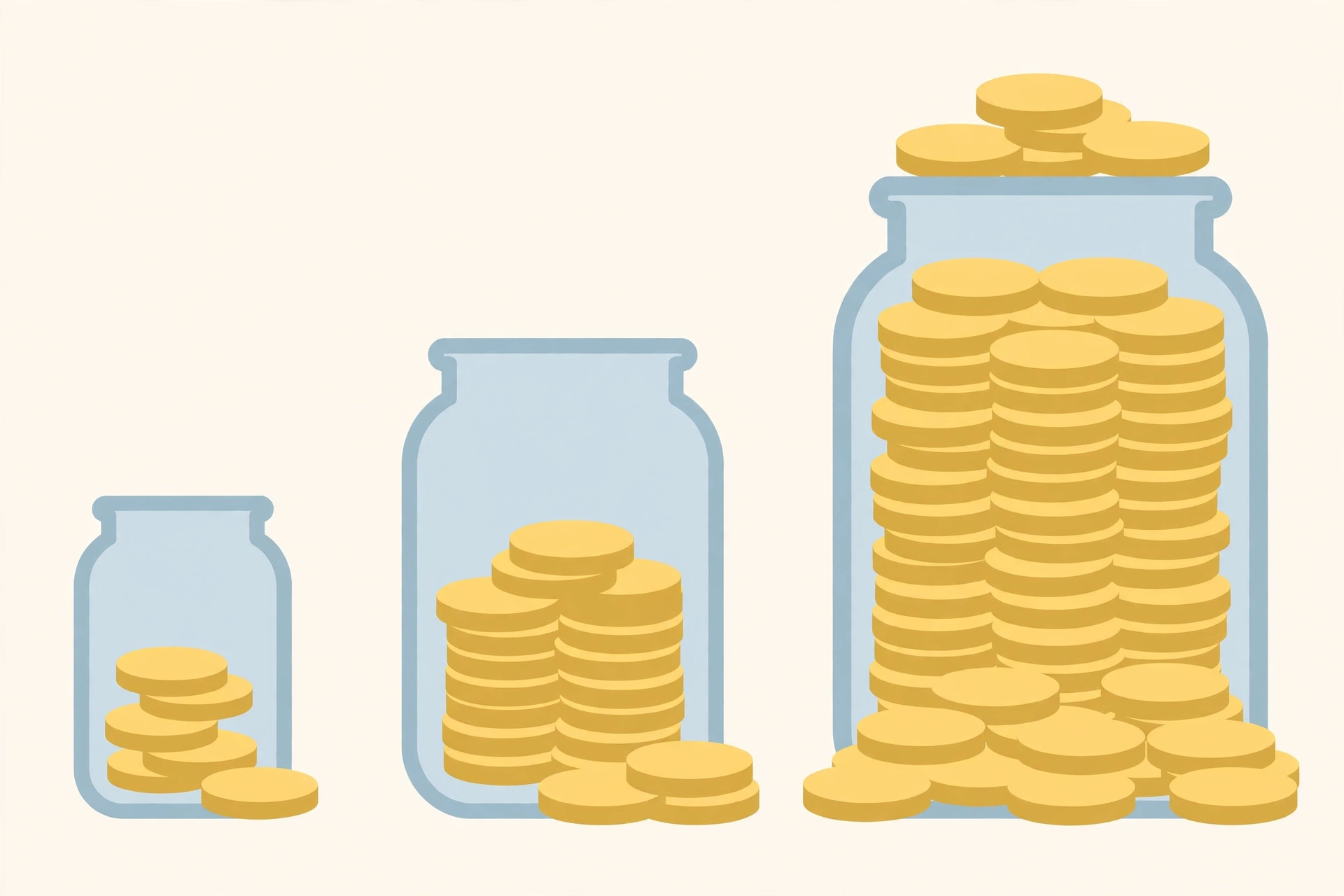
Three things stand out. DIY is not really free: for most beginners it means 6–10 hours per video while learning. Hiring freelancers one by one is usually the most expensive path, because you pay retail for every job and still manage everyone yourself. And the agency price is a bundle price — that is why per-video cost falls as the batch gets bigger.
ScaleTrio's published YouTube packages, verified Oct 26, 2026, are: Starter $299 for 5 videos (about $60 per video), Growth $799 for 15 videos (about $53 per video), and Authority $1,799 for 35 videos (about $51 per video). Every package is one-time, includes script, voiceover, editing, thumbnails, titles and descriptions, and starts with a free channel setup and promo trailer.
🎯 Three realistic beginner budgets
Budget 1: $0 to start, if you have time. Do everything yourself with free software and free stock libraries, and accept that your first videos will be slow and rough. This works if you enjoy the craft and can publish consistently for months; it fails when beginners burn out after three videos.
Budget 2: $299 to $800 for a first real batch. This is where most serious beginners land — a small freelancer setup, or an agency Starter or Growth batch, giving you a consistent look and rhythm without learning every skill first. Fifteen videos is also enough to test whether a niche has legs before spending more.
Budget 3: $1,799 for a monetization push. This is the Authority package — 35 videos. It exists for one reason, explained below: monetization needs volume, and a 5- or 15-video batch is not a monetization push on its own.
🗓️ A 3-month beginner budget plan
A lump sum tells you what a batch costs; a plan tells you when to spend it. Here is how a beginner budget plays out over three months, using only the prices already in this article.
Month 1 — setup, not spending. Budget: $0 to $299. Pick one niche you can stick with, study the top channels in it, and use the free first stage — channel setup plus a promo trailer — to judge real quality before committing further. If you go DIY, this is the month you learn one editing tool and one thumbnail style. The only money worth spending here is a Starter batch ($299 for 5 videos) if you want a professional baseline. Do not buy a big batch before you have seen finished work in your own niche.
Month 2 — first real batch. Budget: $0 to $799. Publish consistently — a realistic beginner rhythm is 2 to 3 videos a week — and watch which topics hold viewers past the first minute. DIY creators spend time here instead of cash, roughly 6 to 10 hours per video while learning. If you hired help, this is the month a Growth batch ($799 for 15 videos, about $53 per video) makes sense: enough volume to test a niche properly, at a lower per-video price than Starter. Judge on retention and comments, not view counts alone, because early views are noisy.
Month 3 — monetization runway. Budget: $0 to $1,799, only if the niche has proven itself. A monetization push needs at least the Authority package (35 videos, $1,799), because 33 videos is the realistic minimum for a push and a smaller batch does not reach it. If month 2 showed weak retention or you are already bored of the niche, do not spend month 3 money — switch niches or pause instead.
Total across the three months, the honest range is $0 (fully DIY) to about $1,800 for a staged agency path. Spending in stages, with a decision point each month, is what keeps a beginner budget from becoming a sunk cost.
🆓 The $0 budget path: what is truly free, and what it costs you
Starting with $0 in cash is genuinely possible. Free editing software, free stock libraries, free thumbnail tools, and free AI voice tiers can produce a publishable faceless video. If money is tight, this is the right way to begin.
But $0 has three honest limits. First, time: expect 6 to 10 hours per video while you learn — 100 or more hours for a 15-video batch. Second, quality ceiling: free voice tiers sound flatter, free stock gets reused by thousands of channels, and free thumbnail tools cap what you can design. Third, speed: a solo beginner publishing 2 videos a week reaches 33 videos in about four months, while a batch-produced channel reaches the same volume in roughly half the time. The $0 path is real, but it trades money for months. If you have the time and enjoy the craft, take it. If you do not, a small paid batch is not laziness — it is buying back your own time.
⚠️ Red flags: scams and traps to avoid
Beginners are the favorite target of YouTube automation sellers. Walk away from any seller who shows up with these:
- "Guaranteed income" or "guaranteed monetization." No seller controls YouTube's monetization decision, your niche, or the algorithm. A guarantee here is a lie by definition.
- Big upfront payment before you see any work. A legitimate team shows you something first — ScaleTrio's model is exactly this: no upfront payment to start, a free channel setup and trailer first, and payment only after you have seen the work. Anyone demanding thousands before a single finished video exists is selling a promise, not a service.
- A tiny batch sold as a "monetization package." Monetization needs at least 33 videos. A 5-video package labelled as a monetization push is either ignorant or dishonest.
- Earnings screenshots with no channel, no niche, and no timeframe. Screenshots are easy to fake and meaningless without context. Ask what niche, how many videos, and over how many months.
- Pressure to decide today. Real costs do not change overnight. A "today only" discount on a service you have not tested is a sales tactic, not a bargain.
👁️ What hidden costs do beginners forget?
- Thumbnails. Beginners budget for editing and forget thumbnails entirely. A weak thumbnail kills a good video, and good thumbnail design is skilled work whether you learn it or buy it.
- Voiceover quality. Free robotic voices save money and cost viewers. If you go DIY, budget for a decent AI voice tool or record your own narration.
- Revisions. Your first scripts and edits will need fixing, and freelancers often charge for revisions — ask before you buy.
- Your own time. At even a modest value for your time, 100+ hours of DIY production is the most expensive option in the table.
⏱️ What about monetization? The honest timeline
No honest agency can guarantee income, and this article will not either. Monetization depends on YouTube's decision, your niche, your consistency, and the algorithm — not on a payment. The realistic picture: monetization needs a minimum of 33 videos and 2 to 2.5 months of consistent publishing, plus YouTube's 1,000-subscriber and 4,000-watch-hour requirements. Faster results are luck, not a promise. That is why a monetization push needs at least the Authority package (35 videos): 5 or 15 videos alone do not reach the volume a push requires, and anyone selling a 5-video "monetization package" is selling a shortcut that does not exist.
YouTube’s own rules are the final word here — see the YouTube Partner Program eligibility requirements (1,000 subscribers and 4,000 valid public watch hours) and how to earn money on YouTube. Before spending anything, sanity-check your numbers with our free YouTube Money Calculator, which estimates earnings per 1,000 views by niche. Treat it as a planning tool, not a promise.
✅ So, what should a beginner actually spend?
If you have more time than money, start DIY at $0, but commit to a real publishing schedule before judging results. If you have more money than time, start with a Starter batch ($299 for 5 videos) and judge quality on the free setup and trailer first. If your goal is specifically a monetization push, plan for the volume a push actually needs: the Authority package (35 videos, $1,799) and the 2 to 2.5 months to publish them properly.
Whichever path you pick, the cheapest mistake is the same: spending money on videos in a niche you have not tested, then stopping after a month.
❓ Frequently asked questions
Tap a question to see the answer.
Yes, if you do everything yourself. The cash cost can be $0, but expect many hours per video while you learn scripting, editing, and thumbnails. Free does not mean effortless.
Yes, for a first batch. ScaleTrio's Starter package ($299, 5 videos) covers full production plus a free channel setup and trailer, so you can judge real quality before spending more. It is a starting batch, not a monetization push.
Because you pay retail for each separate job — script, voice, edit, thumbnail — and you still manage the team. An agency bundles those jobs into one pipeline, which is why its per-video price is lower.
Plan on a minimum of 33 videos and 2 to 2.5 months of consistent publishing before monetization is realistic, plus YouTube's 1,000-subscriber and 4,000-watch-hour requirements. Faster results happen, but they are luck, not something anyone can guarantee.
No. Faceless channels use narration, stock or AI visuals, and editing instead of an on-camera presenter. The channel is the brand, not your face.
Yes, in cash terms — free software, free stock, and free voice tiers can produce a real video. But the $0 path costs time (6 to 10 hours per video while learning), caps your quality against produced channels, and stretches the road to 33 videos to roughly four months at 2 videos a week. It is a genuine starting point, not a shortcut.
Not always. The cheapest cash option — fully DIY — is the most expensive in time, and beginners most often quit because of time, not money. The best option is the one you will actually stick with for 2 to 2.5 months: free DIY if you love making videos, a small paid batch if you want consistent quality, and the Authority package only when your goal is specifically a monetization push. Judge by what keeps you publishing, not by the lowest price tag.
🚀 Ready to see real work before paying?
No upfront payment to start. ScaleTrio builds your free first stage first — a full channel setup plus a promo trailer — and you pay only after you have seen and approved the work. See the full service, what's included, and the published packages on our YouTube automation services page, or start your free setup now at scaletrio.com/start.